How to Print a Georgia Fishing License After Buying It Online
You've just gone through the exciting process of buying your Georgia fishing license online, clicking that final "purchase" button with visions of serene lakes and bending rods. But then, a moment of panic sets in: how do I actually get a physical copy of this thing? It's a common frustration, isn't it? The digital world is convenient, but sometimes you just need that tangible piece of paper, especially when you're out on the water and cell service is spotty, or a game warden asks to see your credentials. This guide is here to walk you through every step of printing your Georgia fishing license after your online purchase, ensuring you're fully prepared for your next angling adventure.
The Digital Convenience and the Need for a Hard Copy
Buying your fishing license online in Georgia through the Go Outdoors Georgia website is incredibly convenient. You can do it from your couch, at midnight, or even while waiting in line at the grocery store. No more rushing to a sporting goods store just before closing! But while the digital transaction is instantaneous, the requirement for proof of license often still leans towards a physical copy.
Why a Physical License Still Matters
Even in our increasingly digital world, a physical copy of your Georgia fishing license remains invaluable. Think about it: you're out on Lake Lanier, the sun's high, and your phone battery decides to call it quits. Or maybe you're deep in the North Georgia mountains, chasing trout on a pristine stream, and there's absolutely no cell signal to pull up your digital proof. In these scenarios, a printed license tucked safely in your wallet or tackle box is a lifesaver. Plus, some folks just prefer the peace of mind that comes with a piece of paper, knowing they have a tangible document that can't be affected by dead batteries, cracked screens, or app glitches. While a digital display on your phone can sometimes suffice, it's always best practice to have a backup. You can learn more about specific requirements by checking out the main Georgia Fishing License Guide.
The Initial Online Purchase Experience
When you buy your fishing license online in Georgia, the process is usually smooth. You navigate to the Go Outdoors Georgia portal, select the type of license you need (whether it's an annual resident license, a short-term nonresident option, or perhaps adding a mountain trout license), fill in your details, and complete the payment. Immediately after your transaction is successful, you'll typically receive a confirmation email. This email is crucial, as it often contains a temporary license or direct links to print your official license. However, in the excitement of the moment, or if your inbox is cluttered, it's easy to miss or misplace this important message, leaving you wondering how to retrieve what you've just paid for. Don't worry, we've all been there!
Your Step-by-Step Guide to Printing Your License
The good news is that printing your Georgia fishing license after buying it online is a straightforward process, whether you're using the official state portal or relying on your email confirmation. Let's break down exactly how to do it.
Retrieving Your License from Your Go Outdoors Georgia Account
The most reliable way to print your license is directly from your account on the official Go Outdoors Georgia website. This portal holds all your licensing history and is designed to provide access to your documents whenever you need them.
First, you'll need to head over to the Georgia Wildlife Resources Division's Go Outdoors website. Once there, look for the "Login" or "My Account" option. You'll use the credentials you set up when you initially purchased your license. If you've forgotten your username or password, don't fret; there are typically "Forgot Username" or "Forgot Password" links that will guide you through a recovery process, usually involving your email address or a security question. Take your time with this, as getting locked out can be a temporary hassle.
After successfully logging in, you'll navigate to a section often labeled "My Licenses," "License History," or "Print My Licenses." This area is your personal archive of all hunting and fishing licenses you've ever purchased through the system. You should see a list of your active and past licenses. Locate the specific fishing license you just purchased. There will usually be a clear link or button next to it that says "Print License," "View/Print," or something similar. Clicking this will generate a printable PDF version of your official Georgia fishing license.
Printing Options Directly from the Website
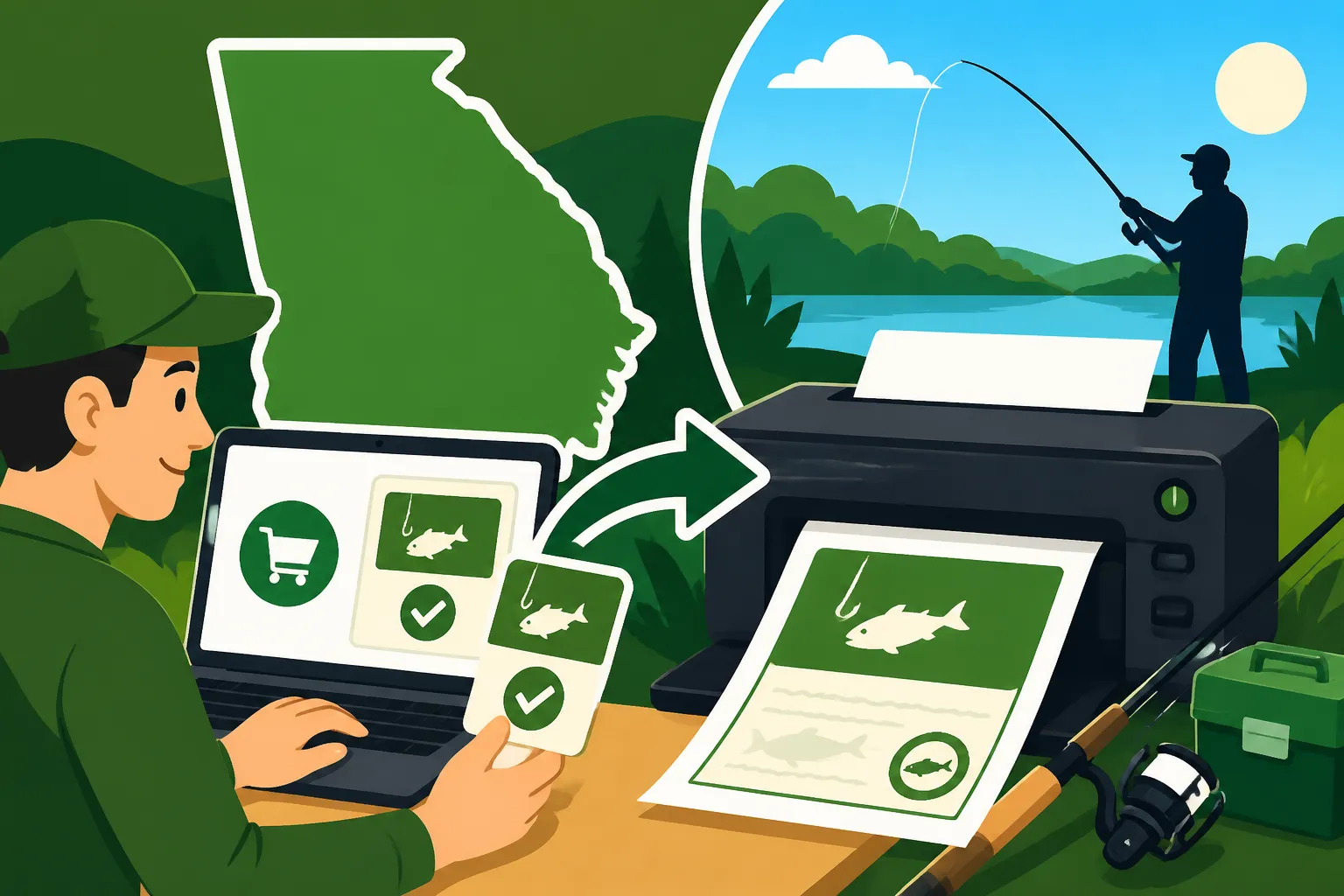
Once you've clicked the "Print License" button from your Go Outdoors Georgia account, a new window or tab will usually open, displaying your license as a PDF document. This is your official document, complete with your personal information, license type, effective dates, and any endorsements like the mountain trout license add-on.
At this point, you'll use your web browser's print function. Look for a printer icon, or go to your browser's menu (often three dots or lines in the top corner) and select "Print." Before you hit print, make sure your printer is connected, turned on, and has enough paper and ink. It's always a good idea to do a print preview if your browser offers one, just to ensure everything looks correct and fits on the page. Printing it in landscape mode often works best to ensure all details are clearly visible. Consider printing a few copies – one for your tackle box, one for your wallet, and maybe one to keep as a backup at home.
For an extra layer of protection, especially if you plan to be out on the water where things can get wet, you might consider laminating your printed license. Many office supply stores offer this service, or you can even buy small laminating pouches and a personal laminator on Amazon. This simple step can save your license from accidental splashes or rips, ensuring it remains legible throughout its validity period. This is also a good practice for other important documents like your Georgia Saltwater Information Permit Explained if you plan on coastal fishing.
Utilizing Your Confirmation Email for Printing
Sometimes, you might not have immediate access to a computer with your login details, or perhaps you're simply in a hurry. Your confirmation email can be a quick alternative for printing your license. As mentioned, after completing your online purchase, the Georgia DNR system typically sends an email confirming your transaction.
Open this email and carefully scan its contents. Often, there will be a direct link within the email that says "Print Temporary License," "View Your License," or "Click Here to Print." Clicking this link should take you directly to a printable version of your license, bypassing the need to log into your Go Outdoors Georgia account. This temporary license is usually valid immediately and serves as official proof until you can print the full version. It's especially useful if you're literally on your way out the door to fish!
If the email only contains a receipt or transaction number and no direct print link, don't panic. You can still use the transaction number to retrieve your license from the Go Outdoors Georgia website by logging in as described above. The email might also include a PDF attachment of your license. If it does, simply open the attachment and print it as you would any other PDF document. Remember to check your spam or junk folder if you can't find the confirmation email right away; sometimes these automated messages end up there.
Troubleshooting Common Printing and Access Issues
It happens to the best of us: technology can be fickle, and sometimes things just don't go as smoothly as planned. If you're having trouble printing or accessing your Georgia fishing license, don't throw in the towel. There are usually simple solutions.
When the Email Vanishes or Login Fails
One of the most common issues is misplacing that all-important confirmation email. It might have gotten deleted by accident, filtered into spam, or simply buried under a mountain of other messages. Your first step should always be to check your spam/junk folder. If it's still not there, don't worry. As detailed in the previous section, your primary access point is the Go Outdoors Georgia website.
If you can't remember your login details for the Go Outdoors Georgia portal, look for the "Forgot Username" or "Forgot Password" links. These are designed to help you regain access. You'll typically be asked to provide your email address associated with the account, and a link or your username will be sent to you. If that doesn't work, some systems might ask for other identifying information like your date of birth, last name, or a previously set security question. Patience is key here; follow the prompts carefully. Once you're back in, you can easily access your licenses under your account profile. It’s a good idea to make a note of your login information in a secure place for future renewals, like when it's time for your Georgia Fishing License Renewal Guide.
Dealing with Printer Woes and Technical Glitches
Let's face it, printers have a mind of their own. If your printer isn't cooperating, there are a few things to check. First, ensure it's properly connected to your computer or Wi-Fi network and that it's turned on. Check for any error messages on the printer's display. Is there enough paper? Is the ink cartridge low or empty? Sometimes a simple power cycle (turning the printer off, waiting a few seconds, and turning it back on) can resolve minor glitches.
If the issue isn't with the printer, it might be with the PDF itself or your browser. Try opening the PDF on a different web browser (e.g., if you're using Chrome, try Firefox or Edge) or downloading the PDF to your computer first and then opening it with a dedicated PDF viewer like Adobe Reader before attempting to print. Occasionally, browser settings or pop-up blockers can interfere with the display or printing of PDF documents. If all else fails and you're at home, consider asking a friend or family member if you can use their printer, or head to a local library or office supply store that offers printing services. They can often print directly from a web link or an email attachment for a small fee.
When to Reach Out to the Georgia Department of Natural Resources (DNR)
You've tried everything: checking your email, logging into your account, troubleshooting your printer, and still no luck. This is when it's time to call in the cavalry. The Georgia Department of Natural Resources (DNR) provides customer service to help anglers with licensing issues.
You can usually find their contact information, including a phone number, on the Go Outdoors Georgia website. When you call, be prepared to provide them with as much information as possible: the date of your purchase, your full name, date of birth, and any transaction ID numbers you might have from your email receipt. Explain clearly what steps you've already taken and what specific problem you're encountering. They are there to help and can often look up your license, confirm its validity, and even help you find a way to get it printed, or resend the necessary email. Don't hesitate to reach out if you're truly stuck; it's always better to be licensed and compliant than risk a penalty for fishing without a license in Georgia.
Beyond the Paper: Digital Alternatives and Best Practices
While a physical printout is highly recommended, especially when you're in areas with unreliable cell service, Georgia does offer some flexibility regarding proof of license. Understanding these alternatives and adopting best practices can save you a headache down the line.
Carrying Your License on Your Smartphone
Many states, including Georgia, recognize a digital display of your fishing license on a smartphone as valid proof. This means if you can access your Go Outdoors Georgia account on your phone and display your license, or if you've saved the PDF version to your phone's files or photos, it can serve as your license. This is super convenient for quick trips to a local pond or when fishing in areas where you know you'll have good cell signal.
However, relying solely on your phone comes with inherent risks. As mentioned, battery life is a big one. A dead phone means no license. Screen damage or a lost phone also present problems. Moreover, some remote fishing spots in Georgia, particularly in the northern mountains or along less populated river stretches, simply won't have the data coverage needed to access an online portal. Think of it as a great secondary option, but not necessarily a complete replacement for a sturdy, laminated paper copy, especially if you're going out for a full day of serious fishing.
Tips for Keeping Your License Safe and Accessible
Whether you choose a physical printout, a digital version, or a combination of both, keeping your license safe and accessible is paramount. Here are a few practical tips:
- Laminate Your Paper Copy: This is probably the best advice for a physical license. A laminated copy is waterproof and tear-resistant, making it perfect for the unpredictable environment of fishing. You can find affordable laminators and pouches on
Amazon, or simply visit a local office supply store. - Use a Waterproof Wallet or Pouch: If you prefer not to laminate, invest in a small, waterproof wallet or a dry bag (like those used for kayaking) to store your license, car keys, and phone. This can be stored in your tackle box or a pocket. Items like the Frogg Toggs waterproof wallet are popular choices found on
Amazon. - Save a Digital Copy: Even if you print it, save a copy of the PDF to your phone's photo gallery, a cloud storage service (like Google Drive or Dropbox), or email it to yourself. This creates redundancy, so if one method fails, you have another backup.
- Keep it with Your Gear: Designate a specific pocket in your fishing vest, tackle bag, or boat compartment for your license. Always put it back in the same spot so you know exactly where to find it. Many anglers tuck it into a slot in their fishing logbook or next to their fishing pliers. For those who frequently fish from shore, knowing the best gear for bank fishing in Georgia often includes considerations for license storage.
- Consider a Multi-Purpose ID Holder: Some fishing vests and specialized gear bags, often found on
Amazonas part of larger fishing kits, come with clear, waterproof ID holders that are perfect for displaying your license while keeping it secure.
| Feature | Physical Printout | Digital on Smartphone |
|---|---|---|
| Accessibility | Always available (if you have it with you) | Requires charged phone, signal, or pre-downloaded |
| Durability | Can be laminated, waterproofed; resistant to drops | Susceptible to battery drain, screen damage, loss |
| Verification | Universally accepted by law enforcement | Generally accepted, but dependent on display quality |
| Backup Potential | Easy to make multiple copies | Easy to save to cloud/email for backup |
| Convenience | Low tech, no reliance on electronics | High tech, quick access if phone is ready |
| Ideal For | All fishing trips, remote areas, peace of mind | Quick trips, areas with good cell service, secondary |
By taking a few extra moments to ensure your license is properly printed and securely stored, you're not just complying with regulations; you're investing in a stress-free fishing experience. After all, the goal is to enjoy Georgia's incredible waters, not to worry about misplaced paperwork! Whether you're targeting big bass on Lake Sinclair or casting for trout in a hidden mountain stream, having your license ready means you're good to go.
Disclaimer
Please note that fishing regulations and licensing requirements can change. While we strive to provide the most accurate and up-to-date information, it is always your responsibility to verify the current rules and regulations with the Georgia Department of Natural Resources (DNR) or other official sources before fishing. This guide is for informational purposes only and should not be considered legal advice.